

How to Bypass Microsoft Account Login on installation
To bypass the Microsoft account login during Windows installation and create a local account, you can use a command prompt :
press shift + F10 at the point it ask you to login to Microsoft Account, type “start ms-cxh:localonly”, no quotes
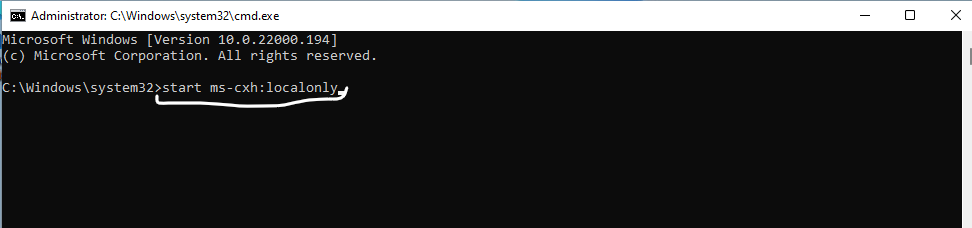
- . on Laptops you might need to press FN+Shift+F10
This will promote you to enter local user name account and reboot the pc with local user account without the need to register or login to Microsoft Account .
Good Luck